



Help Center
Where to find your wishlist items on LePix
Each listing on the LePrix platform has a heart icon, commonly referred to as a Wishlist and using this tool can make sourcing on the platform easy.
For stock items, as you search the platform, you can quickly “heart” any items you’re interested and then click on your profile, then Wishlist and all the items you chose will be on that page. From there you can add to cart and purchase the items you choose.
For auction items, the process is pretty much the same but note that items will only stay on your wishlist until that auction is over so if you are planning on bidding, do so as soon as possible. You can find your auction wishlist in your account under wishlist.

Stock Wishlist

Auction Wishlist
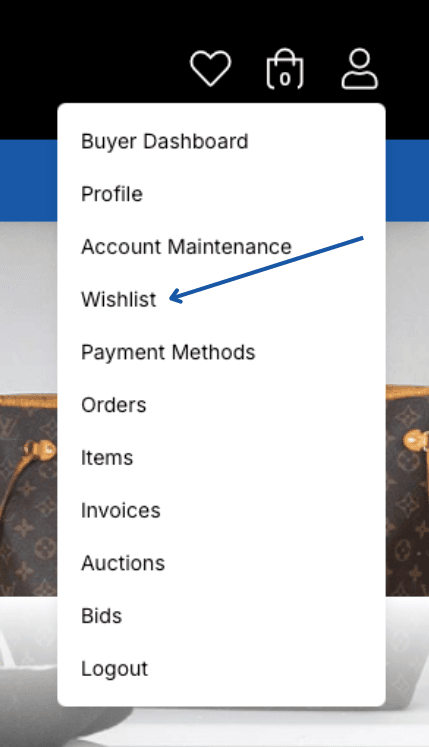
Click on your profile, then Wishlist